
Illuminating the Web: Designing for Dark Mode
Switching up a website or web app's theme can enhance user experience and aesthetics, making a lasting impact.
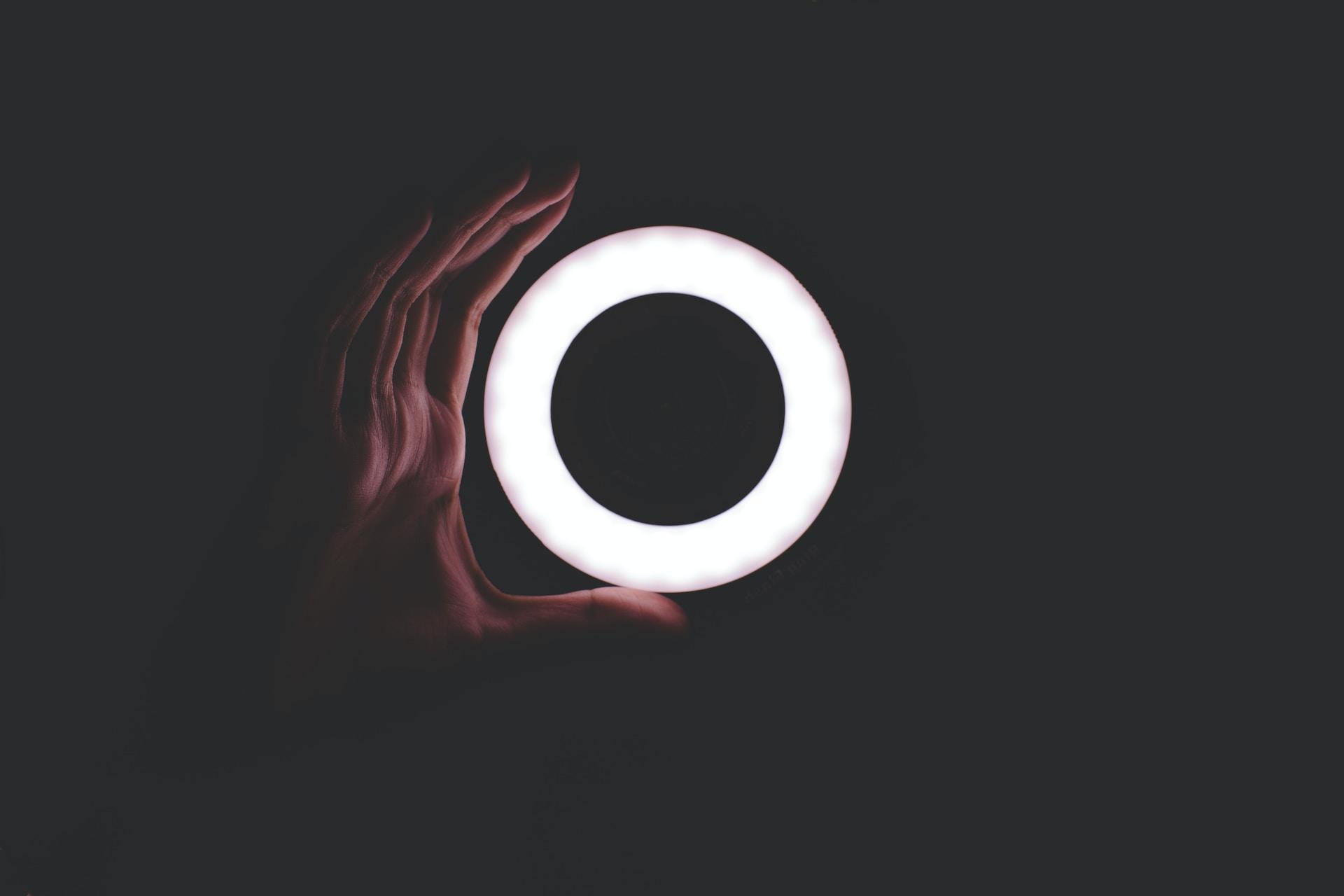
Web development is consistently evolving and staying ahead of the curve is essential. Dark Mode is a trend that is emerging that not only improves user experience but also adds a touch of beauty (or as my friend would say, elegance) to websites. This design choice, which is the opposite of traditional light backgrounds, offers users a more comfortable viewing experience, reduced eye strain (for my friends with long screen time), and even extended battery life on certain devices.
Dark Mode isn't an entirely new concept though, but it is gradually gaining significant traction this year; popularity is soaring as major operating systems, including iOS and Android, introduced system-wide Dark Mode settings. This shift in user preferences is gradually compelling web designers to adapt and incorporate Dark Mode into their designs.
Benefits of Dark Mode
For users who spend extended hours online, Dark Mode offers
- a visually soothing experience,
- reduced eye strain, particularly in low-light environments, and
- helps mitigate the effects of blue light - promoting healthier screen time.
Implementing Dark Mode
Implementing Dark Mode in web design and development involves more than simply inverting colours. Developers carefully consider contrast ratios, colour choices and accessibility to ensure that readability or aesthetics are not compromised.
Compatibility
Just like any other new feature, web developers must consider compatibility with older browsers and devices that don't natively support Dark Mode. Techniques like feature detection and fallbacks will have to become needed to maintain a consistent user experience.
Example
Below is a simple example of how you can add a "Toggle Dark Mode" button to your webpage using HTML, CSS and JavaScript:
With this code, clicking the "Toggle Dark Mode" button will activate the Dark Mode styles defined in the styles.css file when the dark-mode class is applied to the <body> element.
The Future
I believe that this is more than a passing phase and will become a whole thing. Dark Mode will not only improve the experience of users but also allow designers to experiment with aesthetics and branding. It's safe to say that this trend will continue to influence web design in the years to come.